This is one real session, start to finish, with Cursor's command-line agent. The request was the same sentence we gave Claude Code and Codex. Cursor read the app's source code, wrote its own recording guide, recovered from a failed run, and came back with the video. The same plugin works in the Cursor editor's chat; the terminal is just easier to show on a page.
The app is Chatamatic, a tool that answers comments on social media posts with a direct message. The feature is creating a campaign. Any web app with a sign-in form works the same way.
Connect Cursor
Once per machine. Add the server to Cursor's MCP settings, sign in, and put the skill where Cursor finds skills:
{ "mcpServers": { "screenbrowser": { "url": "https://mcp.screenbrowser.com" } } }
That goes in ~/.cursor/mcp.json, or in .cursor/mcp.json inside the project. Then:
agent mcp login screenbrowser
git clone https://github.com/screenbrowser/skill
cp -r skill/skills/screenbrowser ~/.cursor/skills/
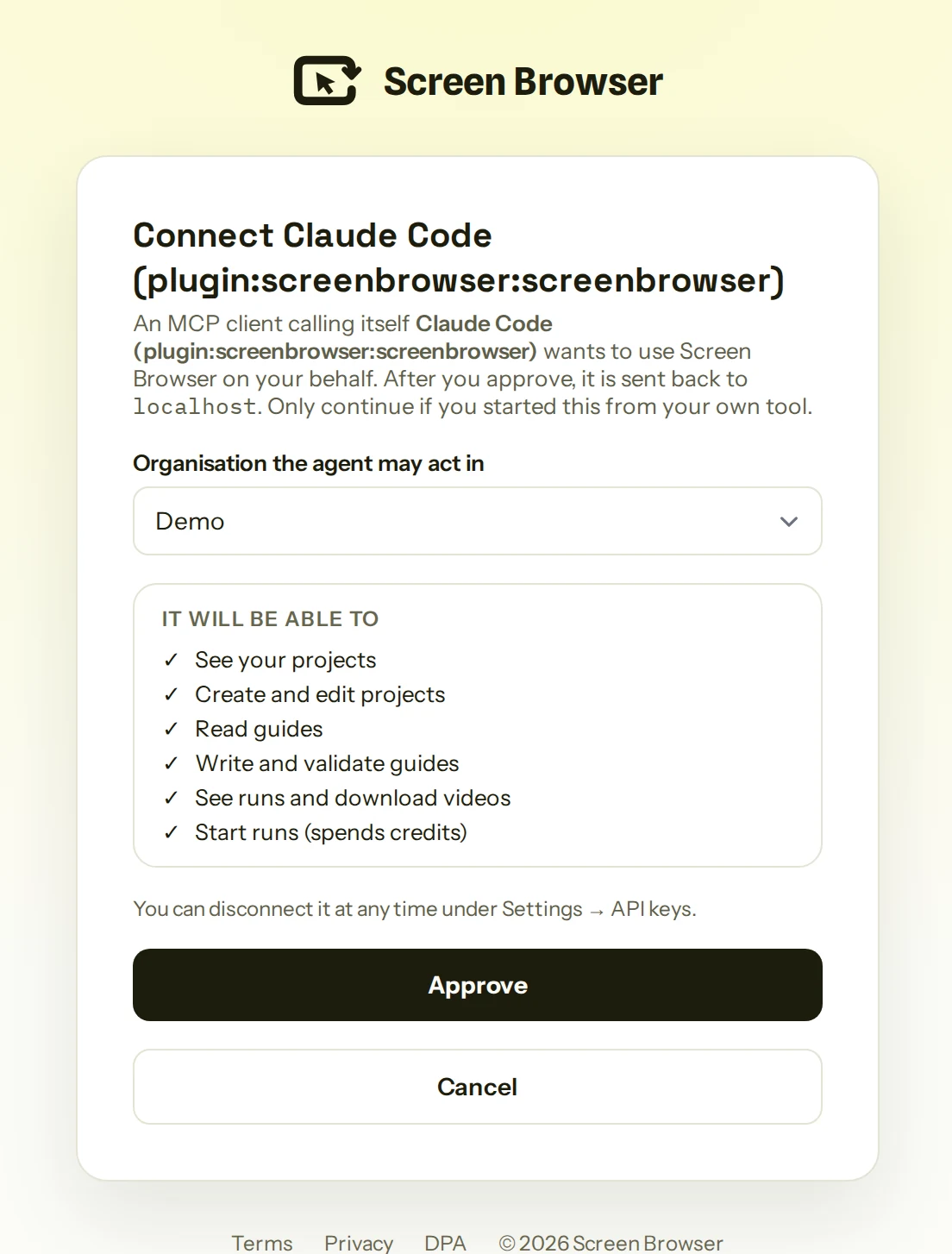
The login command opens your browser on this screen. Pick the organisation the agent may work in, read what it will be able to do, approve. The browser sends you back, and that is the last time it needs you. Cursor also lists the plugin in its directory, which installs the same two pieces.
The request
Open the agent in the app's repository and ask. This is the whole prompt, with the demo account's details hidden:
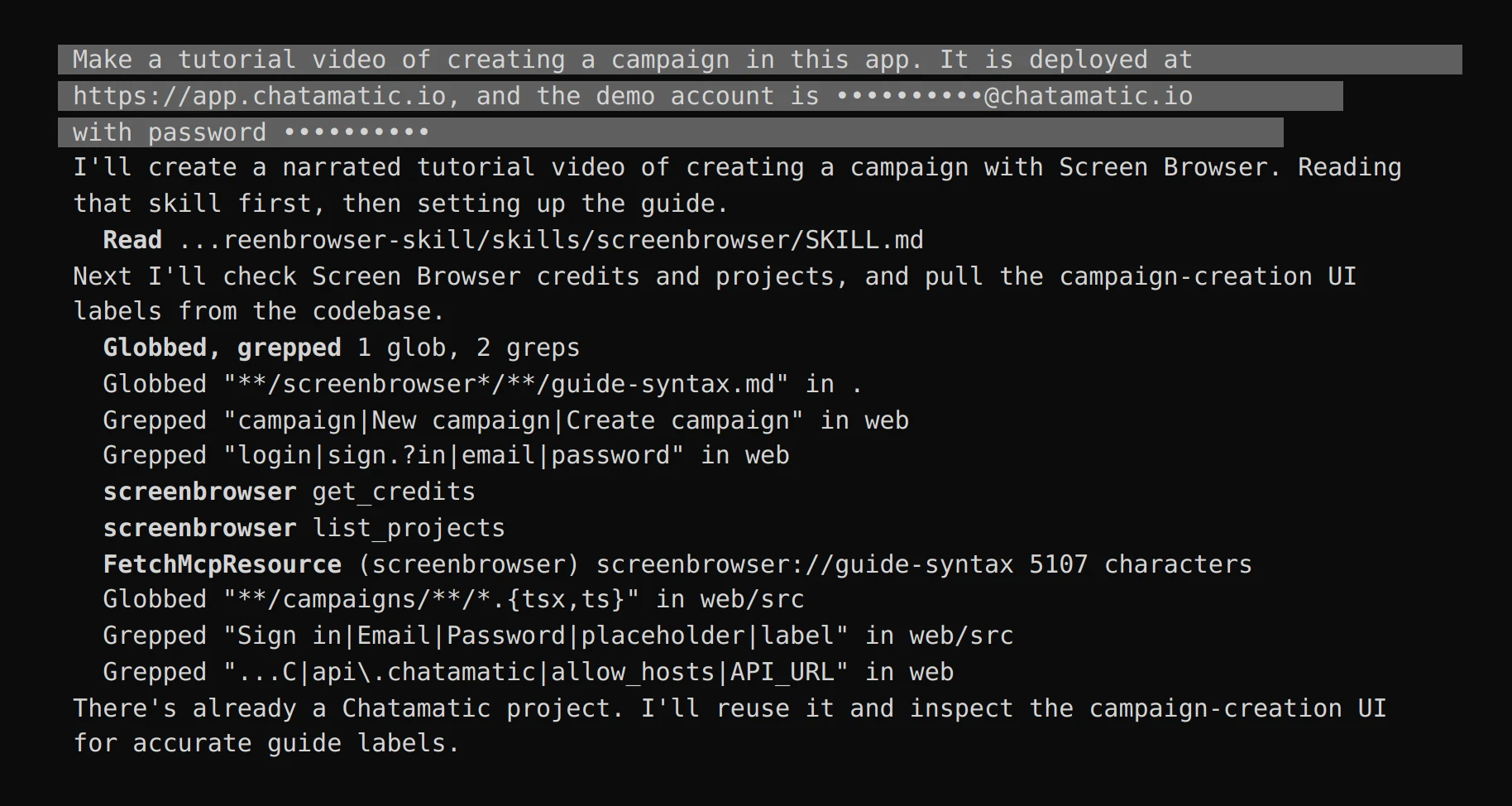
The demo account is an ordinary user of the app with email and password sign-in. Screen Browser stores it encrypted for the project and never shows it to any model. Cursor's first moves are the skill's: read the instructions, check that there are credits to spend, fetch the guide syntax the server publishes, and look for a project that already exists before creating one.
How the guide gets written
Screen Browser records from a guide: plain sentences that say what to do, in the words the app uses on screen, with narration and effects on the lines between. Cursor writes one by reading the code, which is why the labels are right the first time.
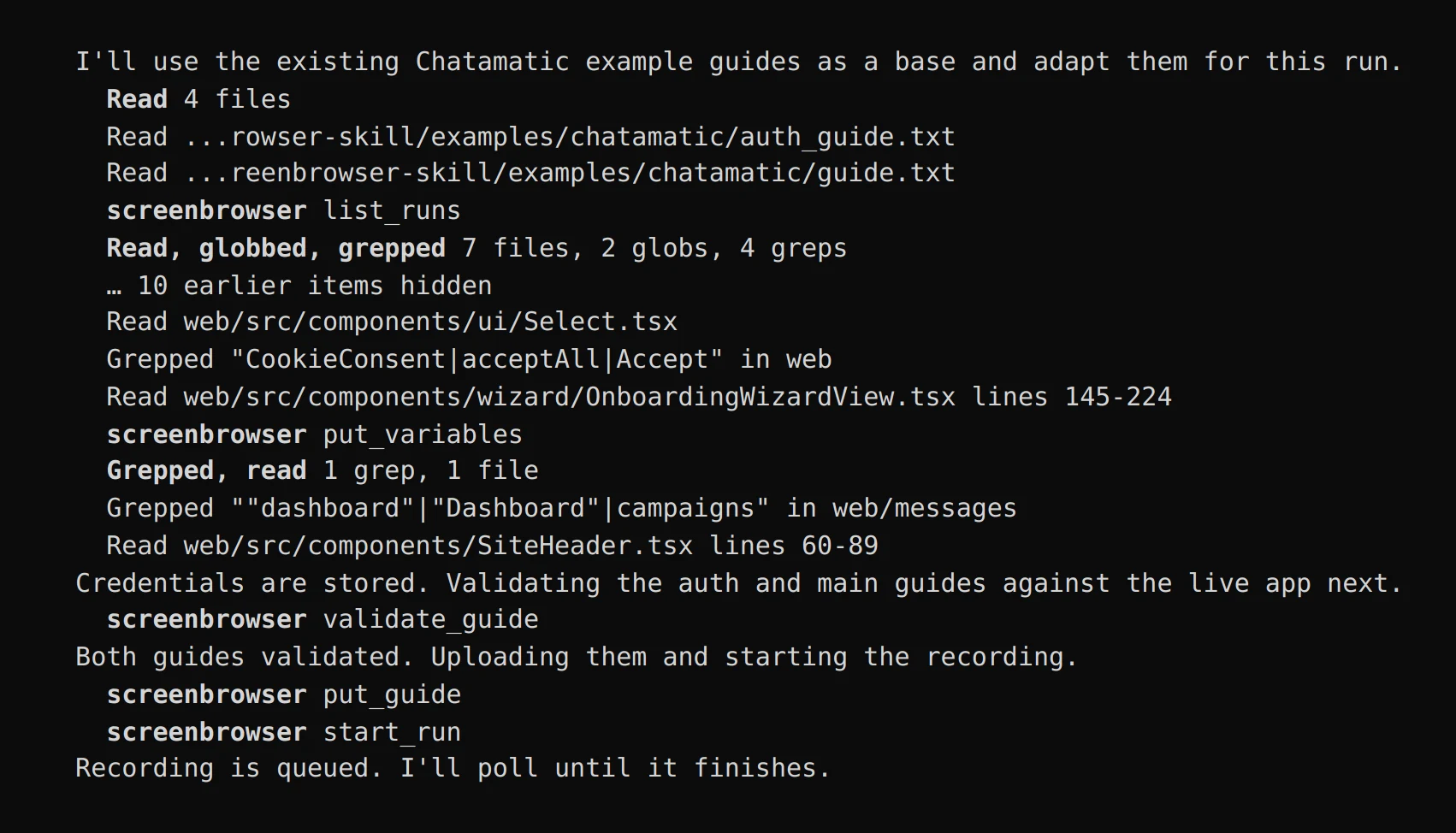
What it did, in order:
- Found the project and reused it, with the demo credentials stored as encrypted variables.
- Started from the example guides that ship with the skill, then read the React components for the login page, the campaign form and the editor to check every label against the code.
- Wrote two guides and checked both with Screen Browser's free check before spending anything: a sign-in guide that uses
{USERNAME}and{PASSWORD}placeholders, and a main guide that opens the campaigns page, creates a campaign, writes the reply, saves, and goes back to the list to prove it is there.
Cursor's guide leans on CSS selectors where it found them in the code, and it gives the campaign a name that fits the story:
[HIGHLIGHT "css=#nc-keyword"] [CAPTION "Choose the keyword people will comment to receive your lead magnet."]
Type "LEADME" into selector #nc-keyword
The guide is stored on the project, so the video is reproducible: when the app changes, one line changes and the run is started again. Nobody re-records.
A failed run costs nothing
The first run failed before recording started, on one line of the guide. Cursor read the failure, called the line fragile, dropped it, validated again and ran again.
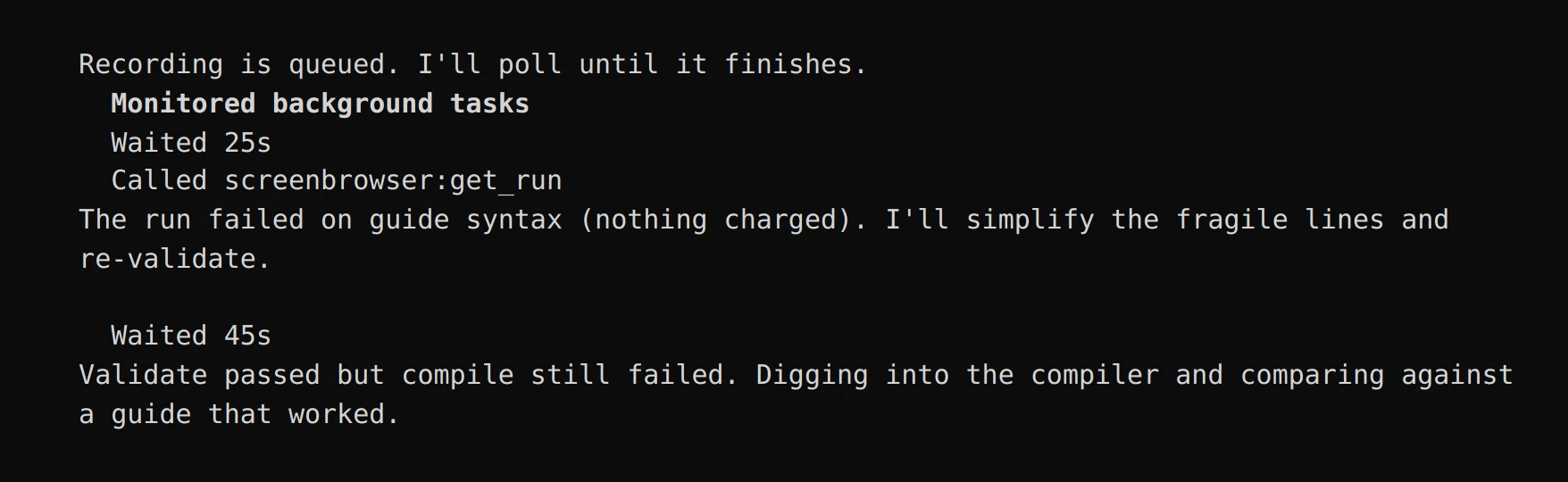
Cursor then did something sensible on its own: it recorded a short trial first, the campaign form up to the editor, checked that it came back, and only then expanded the guide to the reply, the save and the list.
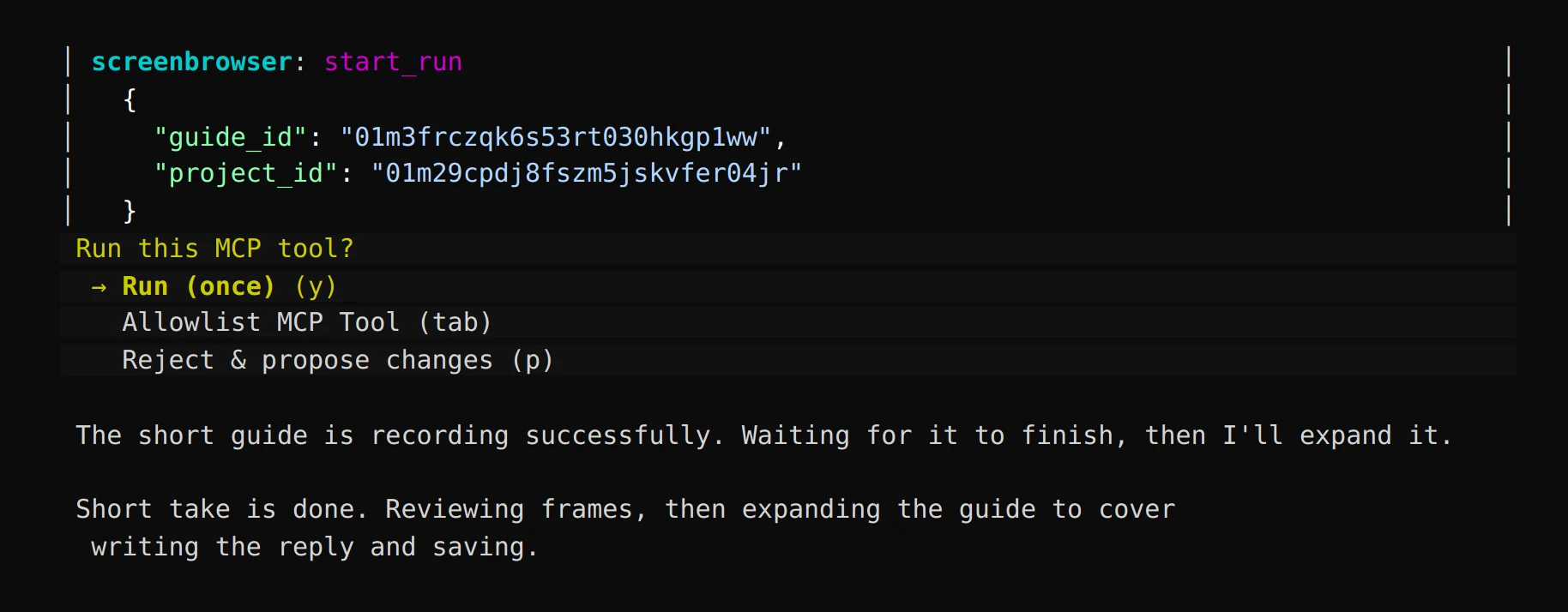
The failed runs reported which line failed and were not charged. The guide stayed on the project between attempts, so each fix was a line, not a restart.
The result
The full guide recorded on the first try after that: 27 steps, a 56-second video, and Cursor's report with the download link.
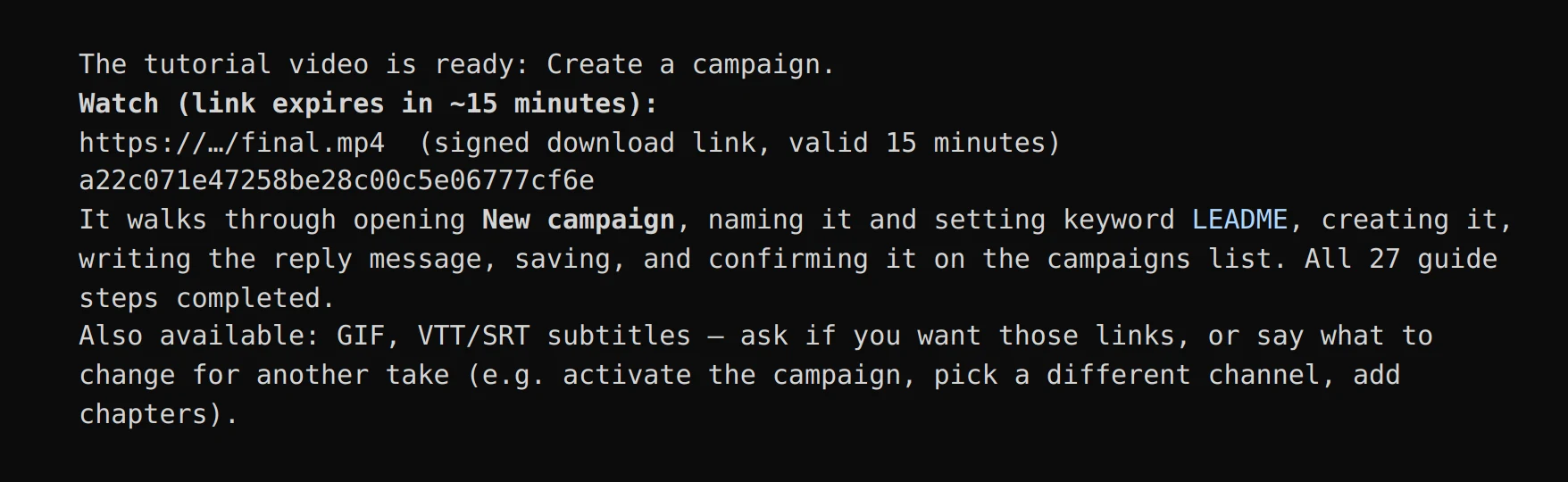
Another take is one sentence
That video was correct and plain: captions and highlights. We asked for more, in the same session:
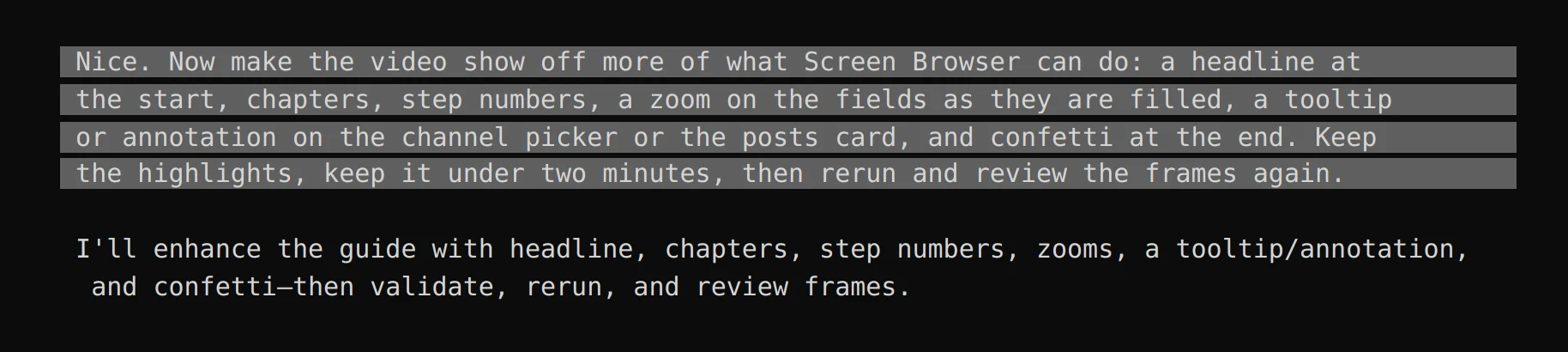
Cursor rewrote the guide with three chapters, five step badges, zooms on the name, the keyword and the reply, a tooltip on the channel picker and another on the posts card, a toast and confetti on the finished list, checked it, and ran it. That is the video at the top of this page.
The same run in Screen Browser, where the video and its exports live for the whole team:
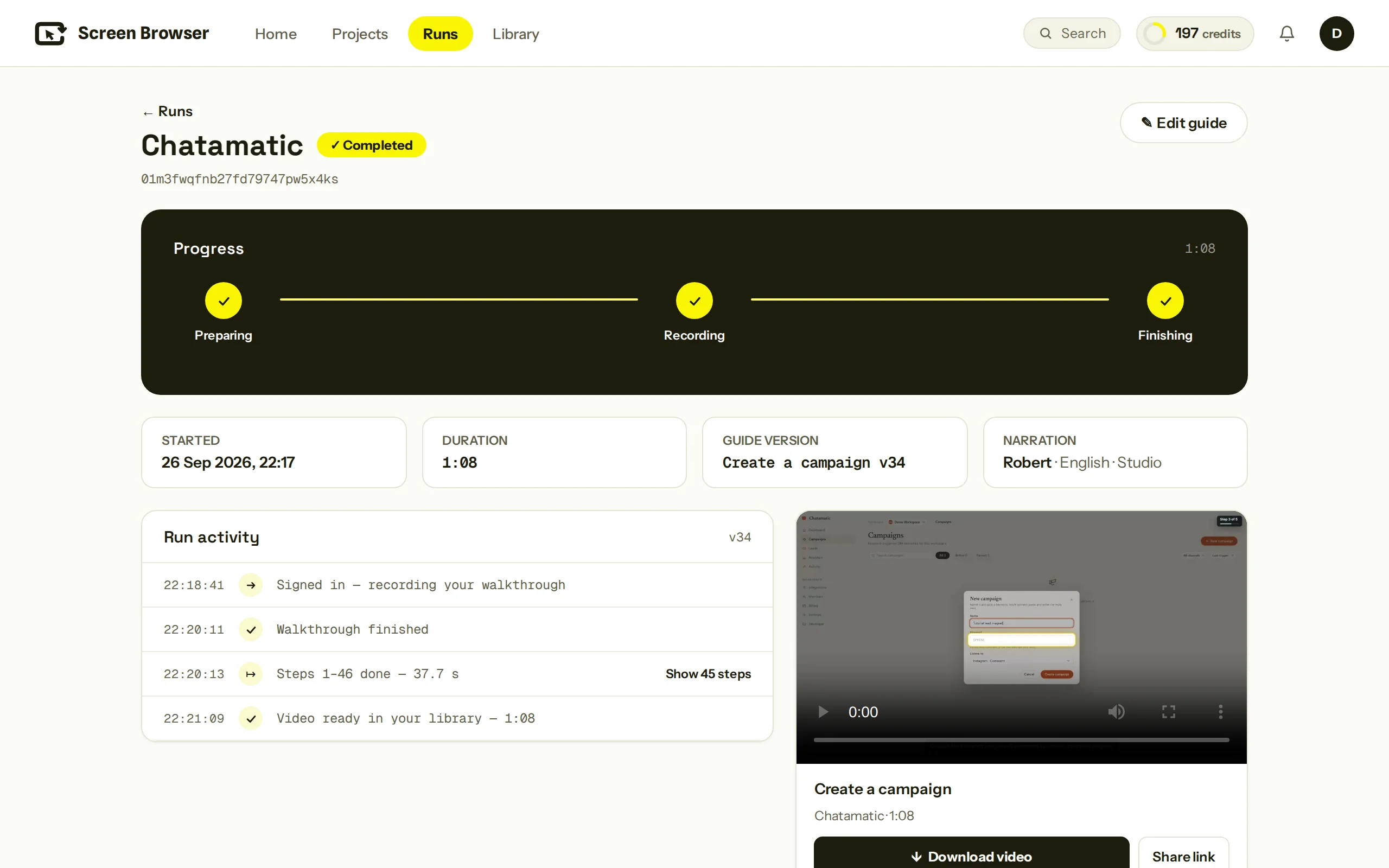
| Video length | 68 seconds |
| Guide length | 46 lines, 3 chapters, 12 kinds of effect |
| Takes | one trial, one full take, one with effects |
| Edits by hand | none |
What your app needs
- A deployment we can reach over the public internet. Staging is fine. localhost and bare IP addresses are not.
- A demo user with email and password sign-in. No OAuth, no two-factor codes, no captcha on that account.
- The hosts the app talks to listed on the project, if the front end calls a separate API host. The project here already had them.
The troubleshooting page covers what to do when a run stops, and the guide syntax reference lists every sentence and effect the agent can use.
Do it with your app
Add the server, sign in, drop the skill into Cursor's skills folder, open the agent in your repository and ask for the video. The agent asks for whatever it cannot find in the code.
One sentence to your coding agent, one narrated video of your app. The guide it writes is yours to keep and rerun.
From $49 a month. A run that fails costs nothing.